AutoDesSys products: form&middotZ
 
Unfolding

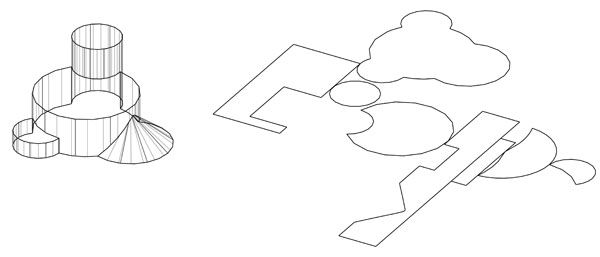
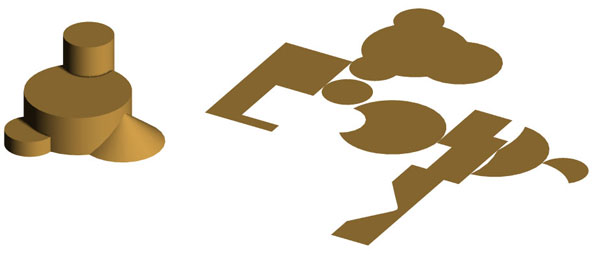
Quite unique are the unfolded projections of 3D objects that form·Z is capable of deriving from any form, including shapes that contain holes. The pattern in which an object will be unfolded can be controlled by clicking on the segment where the unfolding will start. That is, for most objects, different unfolded patterns will be derived if you click on different segments to select the object. The unfolded pattern can also be regulated by breaking an object into parts before unfolding it.

Three solid objects unfolded.


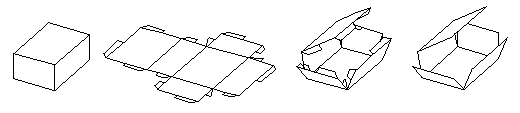
Among a variety of other applications, the unfold operation offers an effective method for constructing physical cardboard models, or for manufacturing sheet metal objects. To facilitate such constructions, the unfolded patterns may optionally include connectors for reassembling the surfaces of the original object.

Left to right : A cuboid, unfolded with connectors. Refolding the cube with and without connectors.

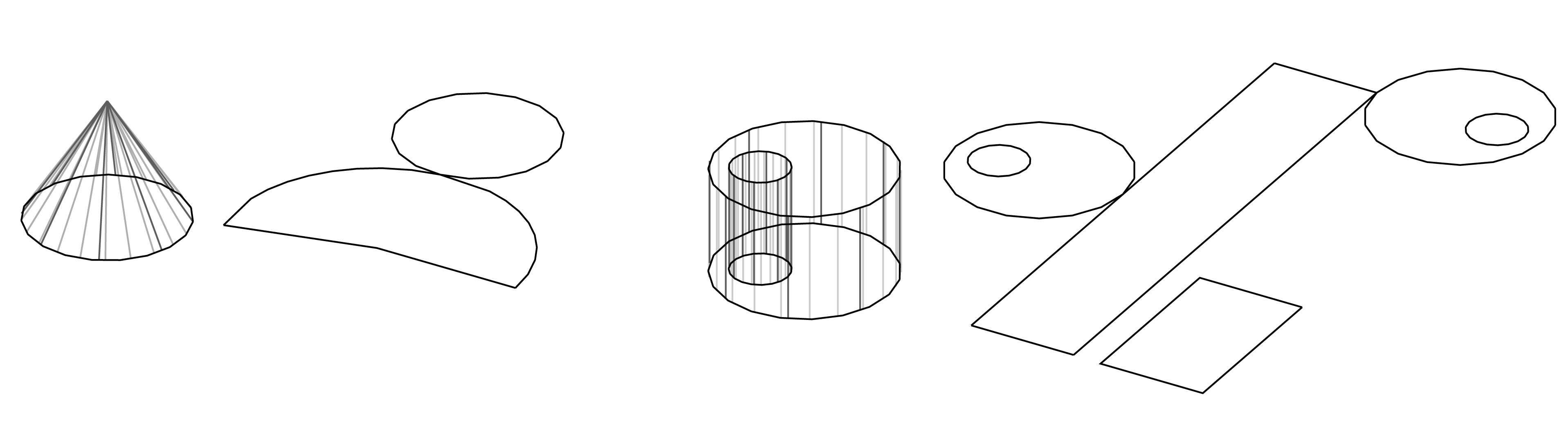
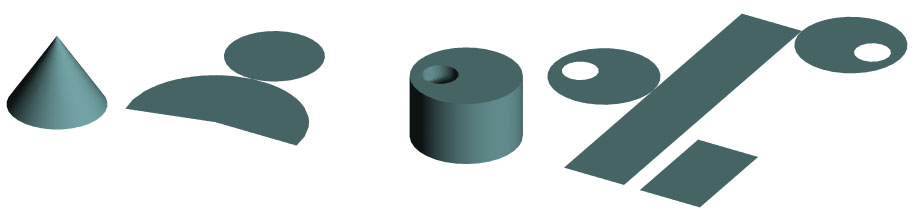
Smooth developable surfaces can also be unfolded. Developable or ruled surfaces are those that can be generated by sweeping a single straight line. Examples follow.

C


form·Z feature list

Introduction


Interface


Modeling

• Primitives
• Spherical objects
• Metaballs
• 3D solids and 2D shapes
• Patterned polygons
• Derivative surfaces, extrusions, enclosures
• Parallel objects
• Frames

• Projection objects
• Unfolding
• Terrain models
• Revolved objects
• Helixes
• Screws and bolts
• Stairs
• Sweeps
• Draft Sweeps
• Skinning
• Lofting
• S-lofts
• Meshed objects
• Subdivisions
• Moving and disturbing meshes
• Deformations
• Bending along curves
• Morphing
• Image based displacements
• Rounding
• Blending and filleting
• Draft angles
• Splines and c-curves
• C-Meshes
• Nurbz
• Formula curves and surfaces
• Patches
• Boolean operations
• Trimming, splitting, and stitching
• 2D and 3D sections
• Deriving contours
• Lines of intersection
• Grouping and ungrouping/Joining and separating
• Placing and editing text
• Symbols
• Editing 3D lines
• Converting representations of objects
• Extracting controls
• Inquiring and measuring
• Repairing objects and projects
• Moving, rotating, resizing, and mirroring
• Clones
• Attaching
• Replace
• Inserting
• Deleting

Drafting


Rendering


Special features

• Extensive import/export
• Panoramic views
• Straight up perspectives
• View matching
• Walk through animation
• Rapid prototyping
• 2D/3D digitizing

next »