|
|

AutoDesSys products:  
|
|||||
|
Rapid prototyping is made easy within form·Z with the ability
to export files as an STL file. In an STL file, the surfaces of a model
are represented by triangular polygons. Some rapid prototyping machines
also accept IGES or DXF formats. A rapid prototyping machine reconstructs
the model from the input file and slices it at relatively small increments,
which may vary from 1/1000" (0.025mm) to 12/250" (0.1mm). Each layer is
built and stacked on top of the previous layer until the entire model
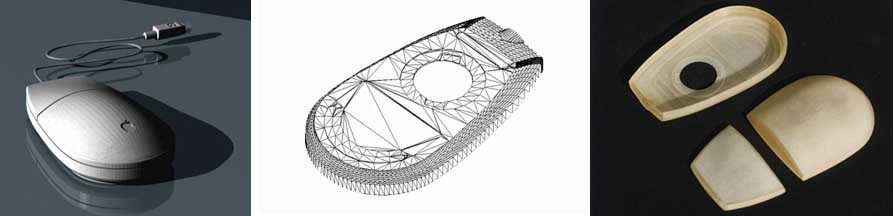
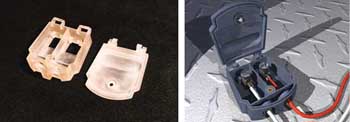
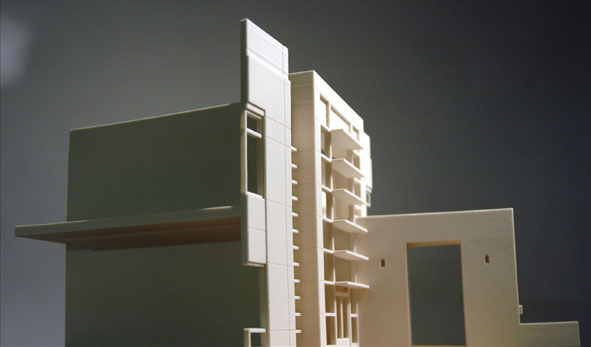
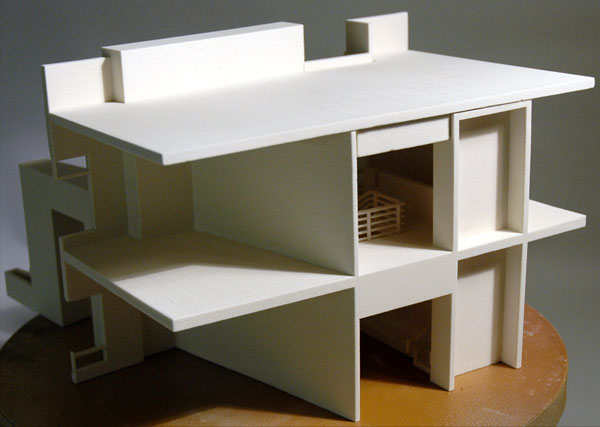
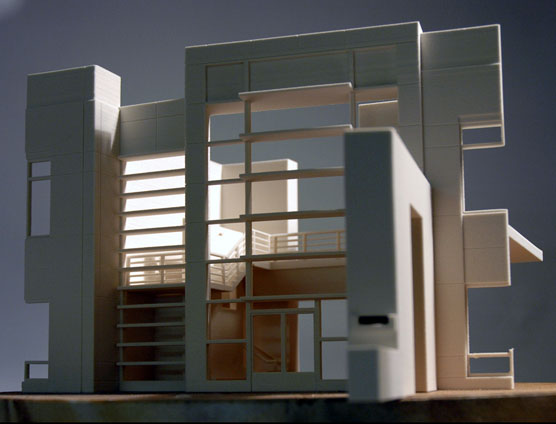
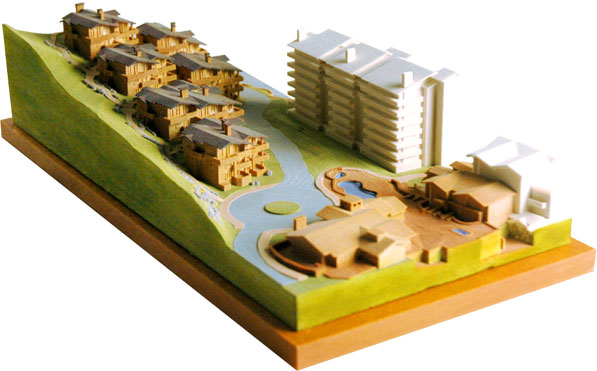
is generated. Below are examples of actual objects made through STL
"Aqualine Creature" by Michael Rees. in·form·Z newsletter, June 1997, page 23. "Rapid prototyping the Apple mouse." in·form·Z newsletter, November 1993, page 18. "Rapid prototyping a terminal box," by Max Probasco. in·form·Z newsletter, June 1995, page 31. Physical models can also be generated from form•Z virtual models by 3D printing them on Z Corp machines. To do this they can again be exported through STL or Z Corp's own format called ZPR. The later supports color and textures, which are also supported by som of the Z Corp printers.
|
|
|
|||


home | news | products | downloads | support | forum | gallery | academic | sales | about us | search
Copyright © 2009 AutoDesSys, Inc. |
 |
PH - 614.488.8838 | FX - 614.488.0848 Send comments to: ZwebMaster@formz.com |